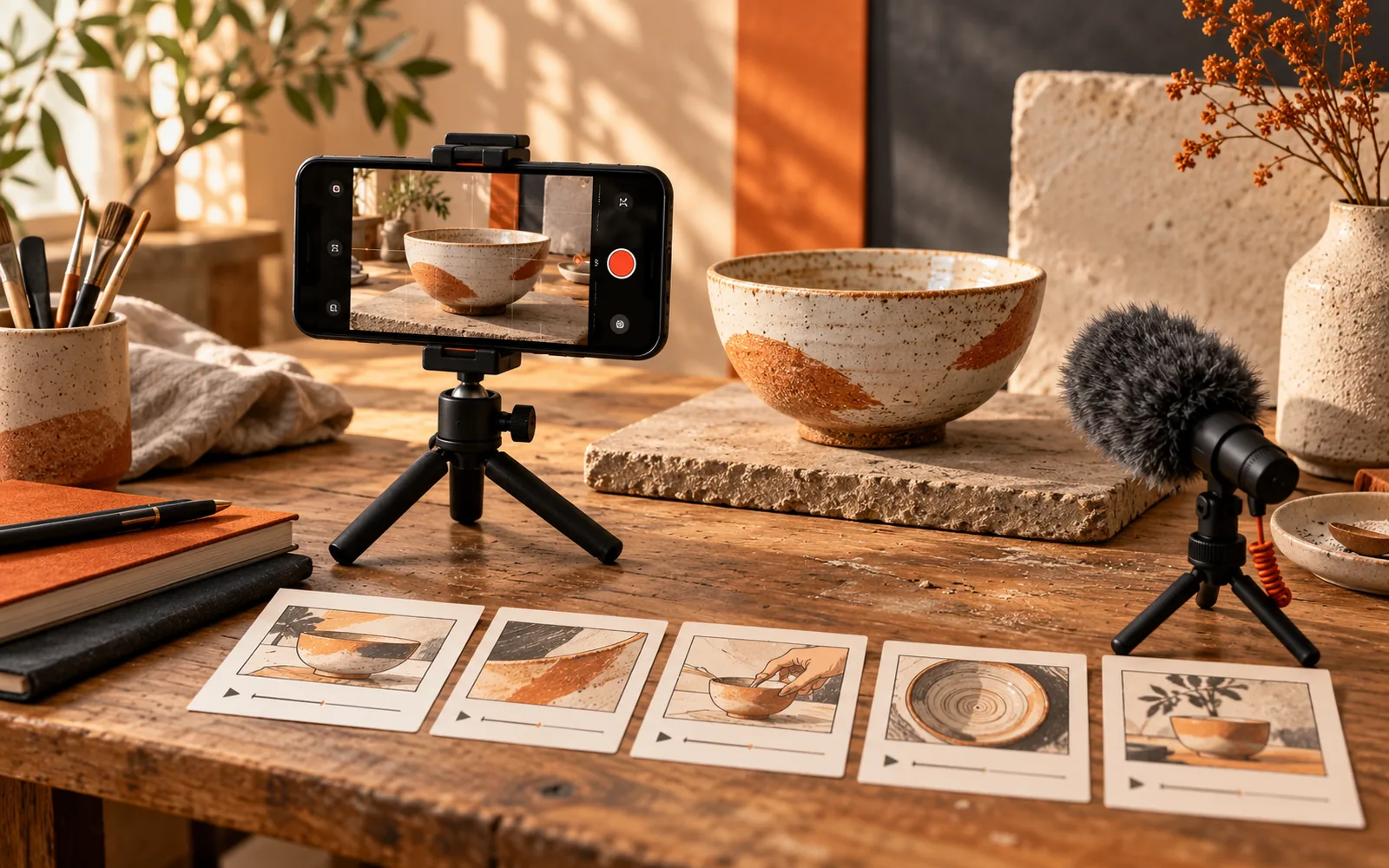
Short-form video marketing can help a small business demonstrate something that is difficult to explain in a static post: how a product works, what a service involves, or what a customer should check before buying. The challenge is producing useful videos consistently without turning the business into a full-time content studio.
A practical 2026 strategy begins with a limited audience, a repeatable format, and a measurable next step. Platform features change, so avoid building the plan around one fashionable editing trick. Build it around questions your customers continue to ask and demonstrations your team can produce honestly.
Choose one channel for a clear reason
Start where you already have evidence of customer attention. Ask recent customers which channels they use to investigate products or suppliers. Review the sources of existing enquiries. A channel with a smaller relevant audience can be more useful than one with a large audience that rarely needs your offer.
Choose a primary channel for the initial cycle and learn its publishing tools, caption behavior, analytics, and link options. Reuse the underlying footage elsewhere only after adapting the crop, opening, description, and next step. Identical uploads are convenient, but the surrounding experience can differ substantially.
Understand what a view means
YouTube’s Shorts documentation explains that, from March 31, 2025, views count when a Short starts or replays, without a minimum watch time. The previous measure remains available as engaged views. This matters when comparing performance over time: a bigger number can partly reflect a changed definition rather than stronger attention.
Write the metric definition next to your report. Avoid comparing a view on one platform with a differently defined view on another as though they were identical units.
Build three repeatable video formats
Use formats that fit your actual work. A product demonstration shows one task from beginning to end. A question-and-answer video resolves a common uncertainty. A comparison explains which option suits which situation without exaggerating competitors’ weaknesses.
For a ceramics studio, a demonstration might show how two bowl sizes fit different servings. A question video might explain whether a particular glaze is suitable for the intended use, based on the maker’s verified specifications. A comparison could show the difference between two shapes when stacking them in a cupboard.
These ideas do more than announce that the business exists. They help viewers make a decision. They also create natural links to product pages and detailed guides, making the content useful after its first day in the feed.
Keep the scope small enough to finish
One video should usually resolve one question. If the explanation needs several qualifications, make a short introduction that points to a fuller resource rather than compressing everything into unreadable captions. Accuracy is more valuable than fitting an arbitrary duration.
YouTube currently supports Shorts up to three minutes, according to its official documentation. Treat the available maximum as a format limit, not a target that every idea needs to fill.
Script an opening, proof, and next step
The opening should make the subject recognizable immediately. “Here is how these two bowl sizes fit on a standard shelf” gives viewers a reason to stay. A long animated logo does not explain what they will learn.
The middle should show the evidence. Use an actual product, a real process, or a clearly labeled illustration. If you describe a result, explain the conditions. Do not imply that one unusually successful customer experience is what everyone should expect.
End with one relevant action. Invite viewers to compare measurements, read a guide, ask a specific question, or view an appointment page. Asking them to follow, share, comment, subscribe, visit, and buy all at once weakens the direction.
A simple script template is: “If you are choosing X, check Y. Here is the difference in this example. For the full measurements, use the guide linked in our profile.” Adapt the wording to the platform’s actual link options.
Capture clear footage with a modest setup
Good sound and stable framing usually matter more than elaborate equipment. Record in a quiet space, face a consistent light source, and check a short sample before filming the full batch. A basic tripod can keep demonstrations readable.
Film vertical footage when the intended placement is vertical, leaving room for captions and interface controls. Keep the important action near the center without making the frame cramped. Capture a few close-up shots so the editor can show details rather than relying on a distant talking head.
Review captions manually. Product names, prices, measurements, and safety instructions are particularly vulnerable to transcription errors. Make the explanation understandable with sound off, while retaining audio that adds value for people who listen.
Use AI for production support, not invented evidence
AI can help turn a verified explanation into a shorter script, propose alternative openings, or organize a shot list. Give it the actual product facts and ask it to preserve limitations. Check the finished wording against the source before recording.
Do not let generated footage misrepresent what a product can do. A synthetic demonstration of an impossible feature can be more misleading than an inaccurate sentence because viewers see apparent proof. Use clearly recognizable illustrations when explaining an abstract idea, and label simulations when their status could otherwise be confusing.
Keep a simple rights record for music, photographs, footage, and customer appearances. Permission for one platform or campaign should not be assumed to cover every reuse. When unsure, use your own materials or assets with terms that clearly cover the intended use.
Plan a sustainable four-week cycle
Set aside one preparation session and one recording session rather than filming reactively every day. A small business might begin with two useful videos per week as a workload choice, then adjust based on capacity and response. That is an example schedule, not an algorithm requirement.
Use the first week to answer a basic buying question, the second to demonstrate a detail, the third to address an objection, and the fourth to revisit the question that produced the most useful discussion. Our customer-question content plan can supply a dependable backlog.
Reserve time to respond. A comment asking whether a service is available in a certain area may be more commercially valuable than hundreds of passive views. Give accurate answers and move personal details into an appropriate private channel.
Review attention, intent, and outcomes separately
Attention measures tell you whether people watched. Intent signals include relevant questions, profile visits, and clicks. Business outcomes include suitable enquiries and sales. Review all three so a popular but irrelevant clip does not dominate the strategy.
Track the topic, format, production time, and useful responses in a simple sheet. Use consistent campaign link naming where links are supported, and ask new customers how they found you. Attribution will still be imperfect, so interpret the evidence together.
After four weeks, keep the formats that answer real questions efficiently. Improve weak openings, remove confusing explanations, and stop formats that consume substantial effort without helping customers. A strong short-form video strategy creates a growing library of useful demonstrations, with each video earning its place through clarity and relevance.
Featured image: original AI-generated editorial illustration for CCM Marketer.